Maximizing Your Creative Projects with a Coffee Wall Decor Laser Cut Bundle
The intersection of caffeine culture and home aesthetics has created a booming niche for creators. Whether you run a small Etsy shop, manage a local café, or simply enjoy crafting personalized gifts, the demand for stylish, coffee-themed décor is undeniable. A Coffee Wall Decor Laser Cut Bundle offers a streamlined solution for designers looking to produce high-quality vector art without starting from scratch. However, because this is a digital product, the value you extract from it depends entirely on how well you understand file compatibility, design application, and licensing expectations.
Many beginners rush into purchasing digital assets without verifying technical specifications, leading to frustration during the production phase. By understanding the common pitfalls associated with digital laser cut files, you can ensure smoother workflows, higher-quality end products, and better customer satisfaction if you are selling finished goods.
Understanding the Digital Nature of the Product
The most critical distinction to make immediately is that a Coffee Wall Decor Laser Cut Bundle is a digital download, not a physical item. This misunderstanding is the primary source of negative reviews in digital marketplaces. When you purchase this bundle, you are acquiring intellectual property rights to use specific designs, delivered via a zip folder containing multiple file formats.
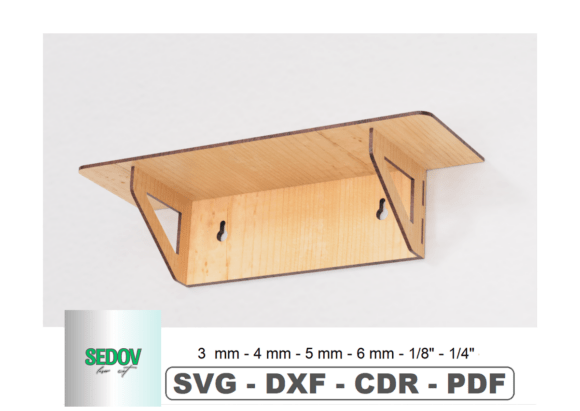
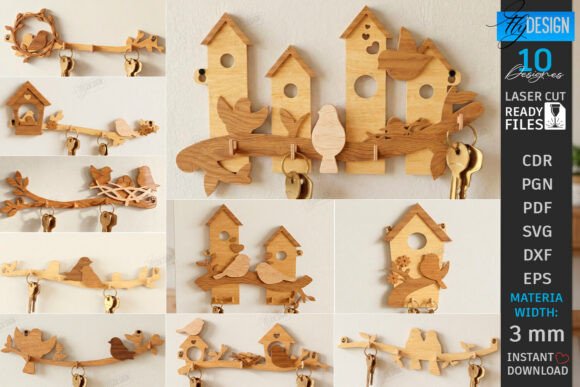
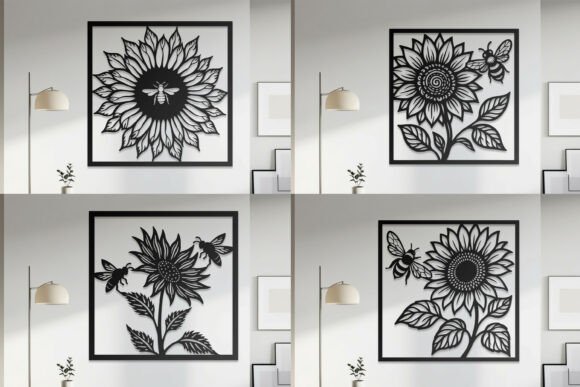
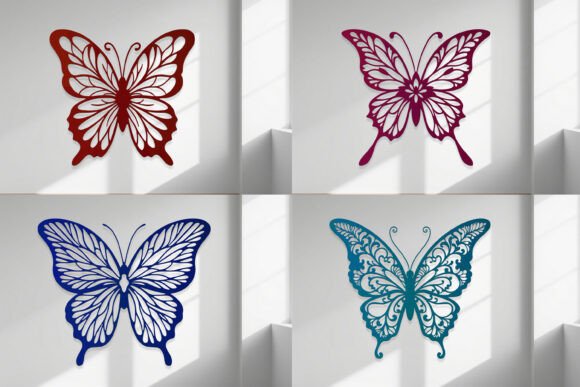
Why this matters: If you are expecting a shipped wooden sign or metal cutout, you will be disappointed. The photos displayed in product listings are strictly for inspiration, showcasing what can be made using the files. Recognizing this upfront shifts your mindset from passive consumer to active creator. You are buying the tools to build, not the finished building itself.
Common Mistakes in File Selection and Compatibility
One of the most frequent errors creators make is ignoring the specific file formats included in the bundle. A comprehensive bundle typically includes SVG, DXF, EPS, PDF, JPG, and PNG files. Each format serves a distinct purpose in the fabrication process.
- SVG (Scalable Vector Graphics): Ideal for Cricut, Silhouette, and most modern laser cutting software. It maintains quality at any size.
- DXF (Drawing Exchange Format): Often required for industrial laser cutters and CAD programs like AutoCAD.
- EPS (Encapsulated PostScript): Preferred by professional graphic designers using Adobe Illustrator for editing nodes and paths.
- PNG/JPG: Raster images suitable for sublimation printing or web use, but generally unsuitable for laser cutting unless traced, which can result in poor edge quality.
The Mistake: Attempting to use a PNG file for laser cutting. Because raster images are pixel-based, laser software may interpret shadows or anti-aliased edges as cut lines, resulting in jagged, uneven cuts or excessive burning.
The Fix: Always prioritize vector formats (SVG, DXF, EPS) for cutting. Use the PNG or JPG files only if you are creating printed merchandise, such as t-shirts or mugs, where the image is applied via heat press or sublimation rather than cut out.
Overlooking Design Complexity and Material Constraints
Laser cutting and vinyl cutting have physical limitations that digital files do not always account for. A common oversight is assuming that every design in a Coffee Wall Decor Laser Cut Bundle will work equally well on every material. Intricate coffee bean patterns or delicate script fonts may look stunning on screen but can fail during production.
For instance, if you are cutting thin wood or acrylic, overly detailed sections may break off or burn through. Similarly, if you are using a vinyl cutter for stationery or window decals, small internal pieces (known as "weeding") can be nearly impossible to remove without tearing the design.
Practical Advice: Before committing to a large batch production, perform a test cut on scrap material. Check for:
- Bridging: Ensure small elements are connected to the main body of the design if necessary for structural integrity.
- Kerning and Spacing: Verify that letters in coffee-related quotes are spaced adequately for your specific blade or laser beam width.
- Material Thickness: Adjust your design scale if the material thickness requires wider supports to prevent collapse.
Misunderstanding Licensing and Commercial Use
Entrepreneurs and small business owners often overlook the licensing terms associated with digital bundles. While many creators allow commercial use of the final physical products (such as selling a wooden sign made from the SVG), they rarely permit the resale or redistribution of the digital files themselves.
The Risk: Uploading the SVG files from your Coffee Wall Decor Laser Cut Bundle to another platform for others to download is a violation of copyright and can lead to account bans or legal action. Additionally, some licenses restrict the number of physical items you can sell annually.
The Better Approach: Always read the included license file or the product description carefully. If you plan to mass-produce items for large retailers, contact the designer directly to discuss extended licensing options. Transparency protects your business reputation and respects the original artist’s work.
Ignoring Customization Opportunities
A static approach to pre-made designs limits your brand’s uniqueness. Many users download a bundle and use the files exactly as provided, resulting in products that look identical to competitors who purchased the same bundle. This lack of differentiation can hurt sales in saturated markets like home decor and café supplies.
How to Stand Out: Use the EPS or SVG files to modify the designs. You can:
- Combine coffee motifs with other elements, such as floral accents or geometric shapes.
- Adjust the layout to fit specific dimensions, such as custom-sized coasters or table runners.
- Change typography to match your brand’s voice while keeping the coffee-themed graphics.
By treating the bundle as a foundational toolkit rather than a final product, you add value through customization. This is particularly effective for textile designs or packaging, where unique branding is essential.
Technical Preparation Before Downloading
Before you even purchase, ensure your workflow is ready to handle the files. A Coffee Wall Decor Laser Cut Bundle usually comes in a zip folder. Users on mobile devices or tablets sometimes struggle to unzip and access these files properly, leading to confusion about missing content.
Checklist for Success:
- Software Compatibility: Confirm that your design software (e.g., LightBurn, RDWorks, Illustrator, Inkscape) can import the provided formats.
- Storage Organization: Create a dedicated folder for digital assets. Unzip the file immediately upon download and back it up to cloud storage to prevent data loss.
- Vector Editing Skills: If you are new to vector graphics, take time to learn basic node editing. This skill allows you to clean up any minor imperfections in the paths, ensuring smoother cuts.
Making the Right Decision for Your Project
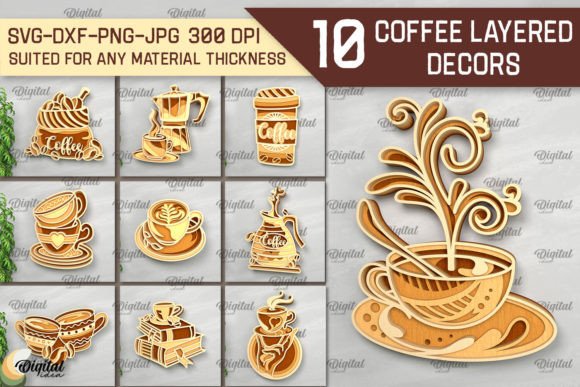
Choosing the right digital bundle involves more than just liking the preview images. Consider the versatility of the designs. A high-quality Coffee Wall Decor Laser Cut Bundle should offer ten distinct designs that cater to various applications—from large wall art to small stationery items. Look for bundles that include both intricate patterns for advanced users and simpler silhouettes for beginners.
If you have questions about specific file compatibility or design modifications, do not hesitate to message the seller before purchasing. Most designers are willing to clarify whether a specific design is suitable for your machine type or material choice. This proactive communication can save you time and money by preventing incompatible purchases.
Ultimately, the value of a digital design bundle lies in its ability to accelerate your creative process. By avoiding common technical mistakes, respecting licensing boundaries, and leveraging customization options, you can transform simple vector files into profitable, high-quality products. Whether you are creating fashionable clothes prints, elegant tableware, or chic home décor, the right preparation ensures your final output reflects professionalism and attention to detail.